Skip to content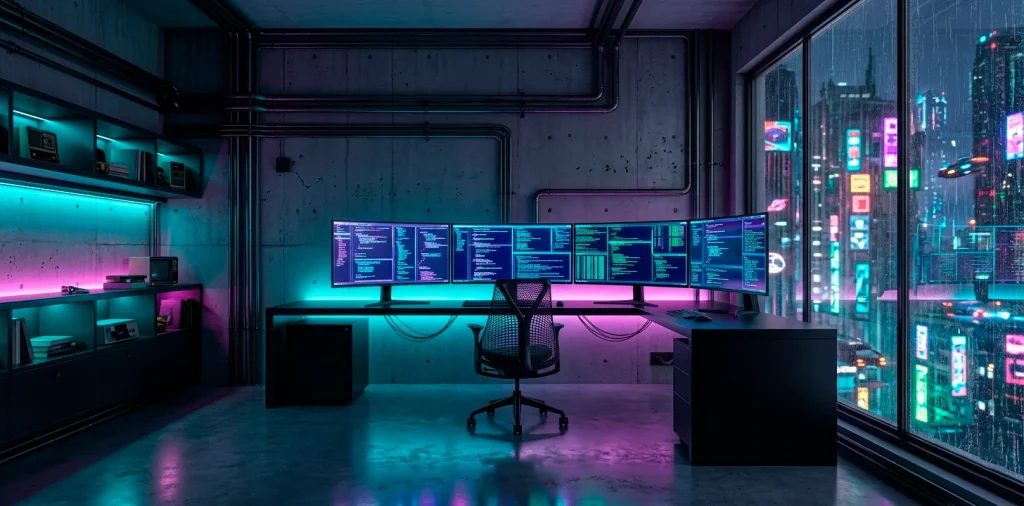
Stop settling for a beige cubicle in your own house. You want a command center that looks like it belongs in Night City, not a suburban dentist’s office. Let’s talk about blending cold, dark metals with that electric glow. It’s time to stop dreaming about the future and actually build it right behind your bedroom door with some serious style. ⚡
The Dark Metal Skeleton
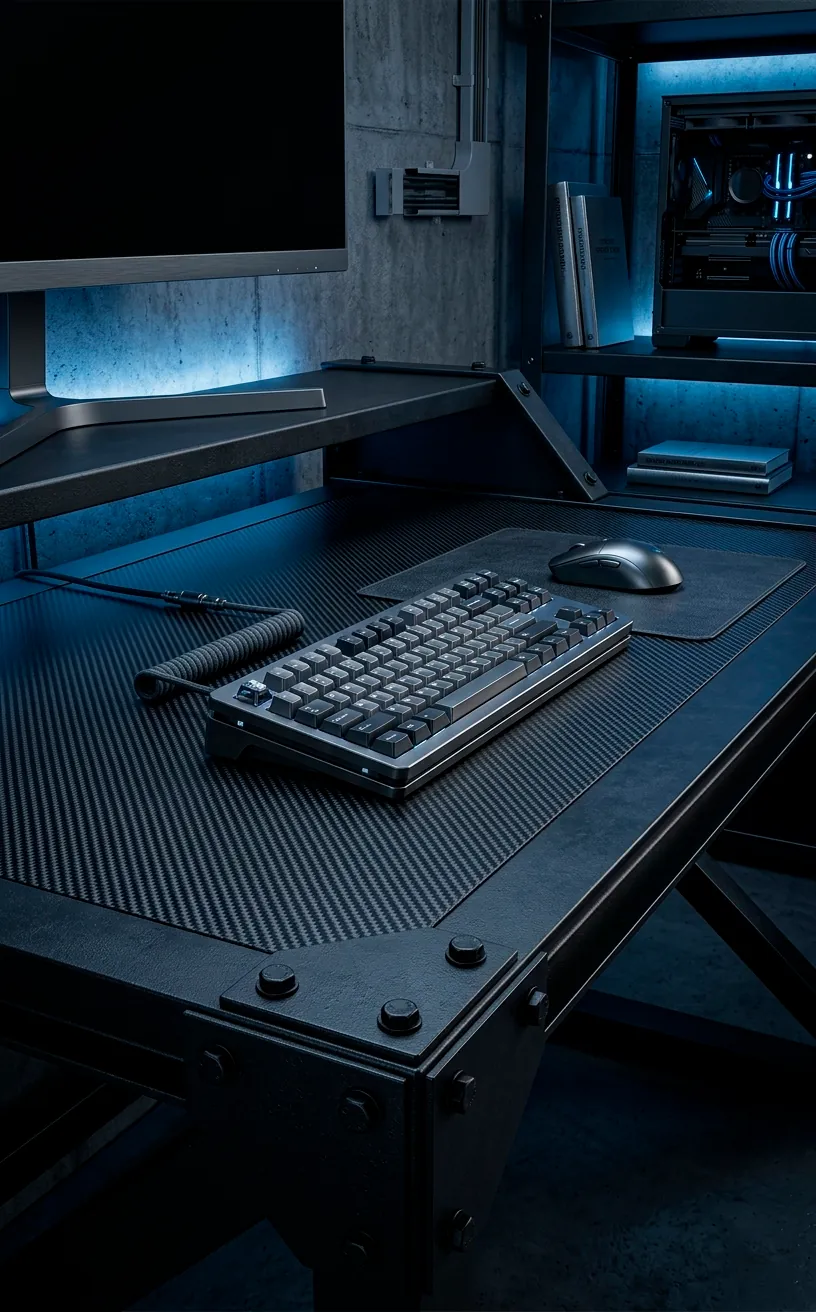
You can’t build a high-tech sanctuary on a flimsy white desk. To get that gritty, industrial vibe, you need heavy-duty materials like brushed steel or matte black aluminum. Dark metals provide the perfect “dead” backdrop that makes your lights actually pop instead of just washing out the room. FYI, glossy surfaces reflect too much glare, so stick to those flat, dark finishes for a true hacker aesthetic.
Have you considered how much a raw metal surface changes the mood? These textures scream durability and high-end engineering. I personally prefer a desk with exposed rivets or a carbon fiber wrap because they feel substantial. When you rest your arms on a cold, dark surface, you immediately feel like a deck-runner ready to hack the mainframe. It sets a serious tone for serious work.
Lighting Beyond the Rainbow Puke
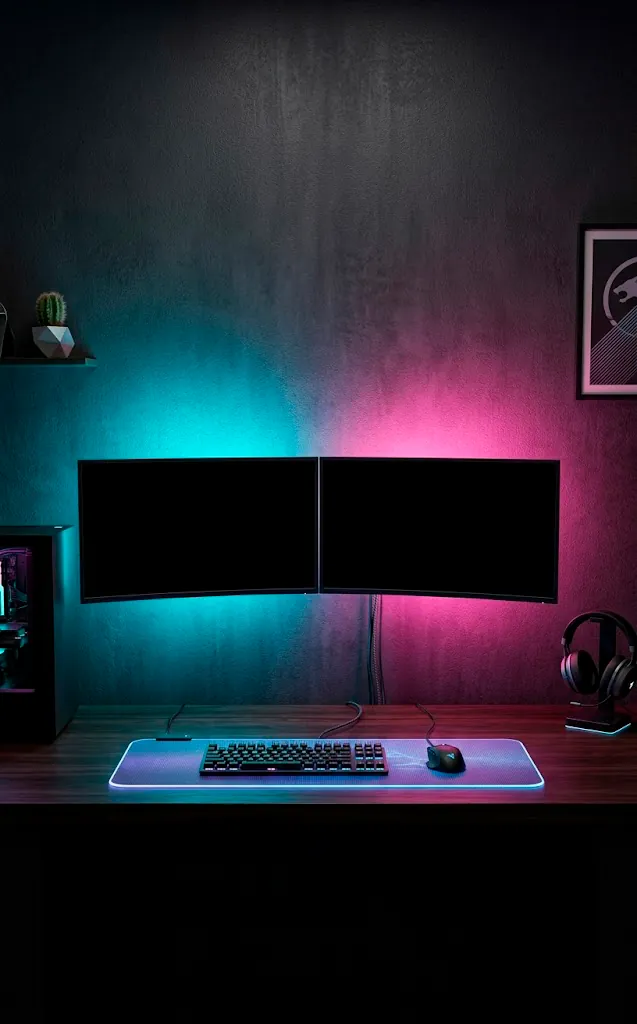
Look, we’ve all seen the “unicorn vomit” setups where every color of the rainbow fights for dominance. To keep it cyberpunk and not like a toddler’s birthday party, stick to a duo-tone palette. Think deep cyan paired with a biting magenta or a toxic green against cold white. Use diffused LED strips behind your monitors to create a soft halo that reduces eye strain while looking incredibly sharp. Why settle for blinding glares when you can have a moody, atmospheric glow? IMO, less is often more when you’re trying to achieve that “underground” look. 🌌
A useful little gift for your home
🎁 Free Plant Finder Tool
Filter 250+ houseplants by style, size, and care level to find your perfect green companion in seconds.
We’ll email you the link. Plus, you’ll join our newsletter for fresh home inspiration.
The Art of Visible Tech
Hide your cables? Boring. In a true cyberpunk space, we lean into the mechanical chaos rather than running from it.
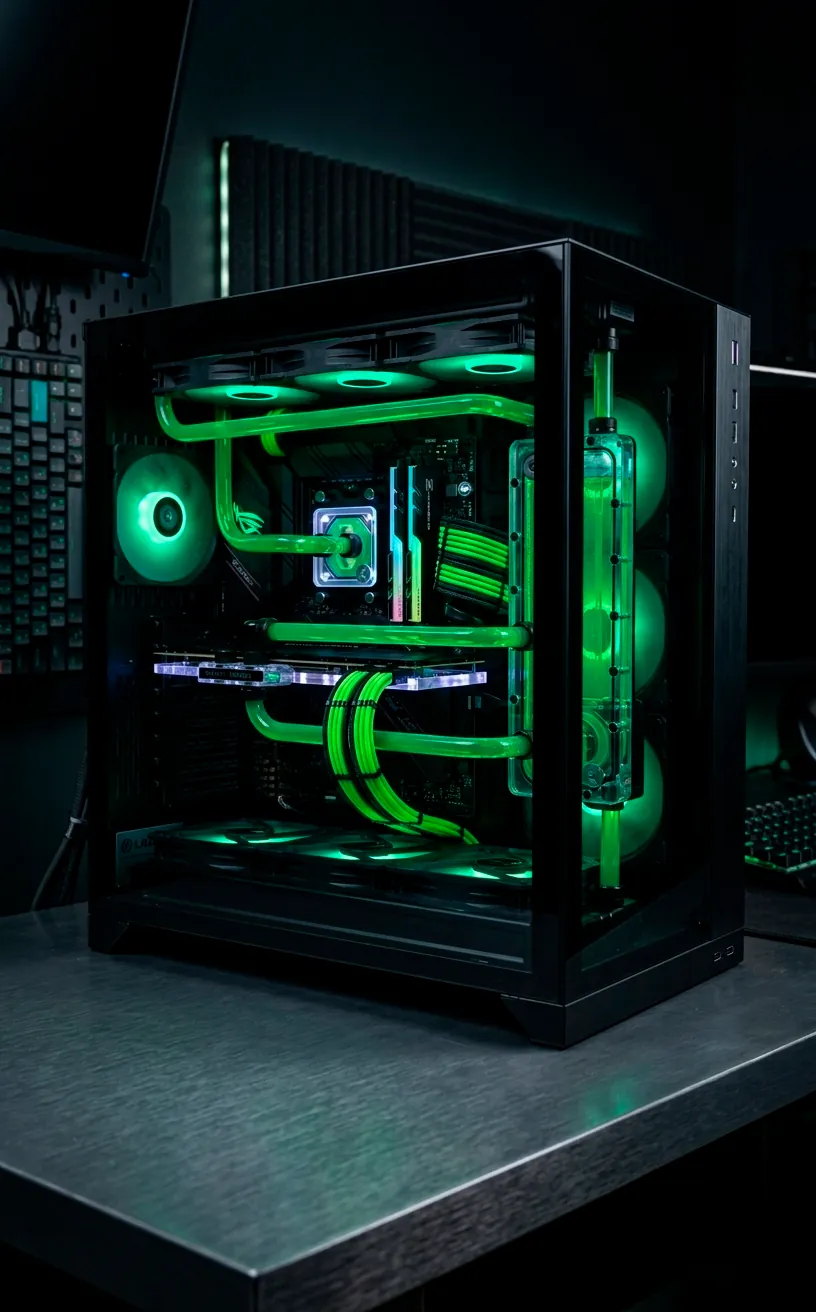
Use braided sleeves or neon-tinted cable combs to turn those messy wires into intentional design elements. Have you seen those liquid-cooling tubes that glow? They look like radioactive veins pumping life into your machine. It’s about making the tech part of the decor, not just a tool you use for boring spreadsheets.
If you want to make your home office both chic and functional, you need to treat every wire like a neon sign.
Essential tech components include:
- Custom coiled USB-C cables in bright neon colors.
- Vertical GPU mounts to show off your hardware’s fans.
- Transparent PC cases with smoked glass panels.
Peripherals and Tactical Gear
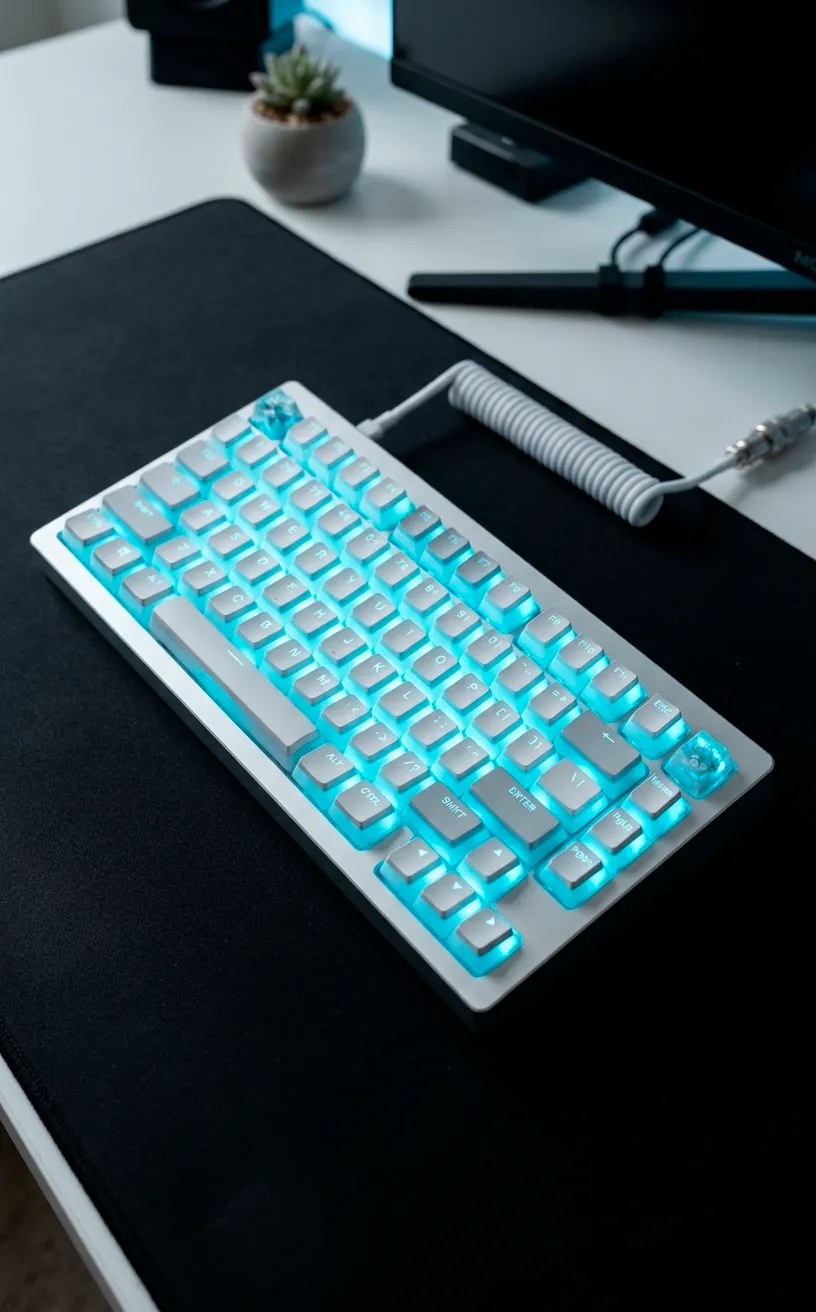
Your mouse and keyboard are your primary interface, so don’t let them look like office-supply leftovers. A mechanical keyboard with a heavy aluminum case and “pudding” keycaps allows that RGB to shine through without being obnoxious. I always suggest choosing gear with sharp, aggressive angles rather than soft, friendly curves. It fits the “high tech” mantra perfectly. Also, think about adding a vertical monitor; it doesn’t just help with coding—it adds a sense of towering scale to your workstation that feels very futuristic. 🖥️
Decorating the Dystopia
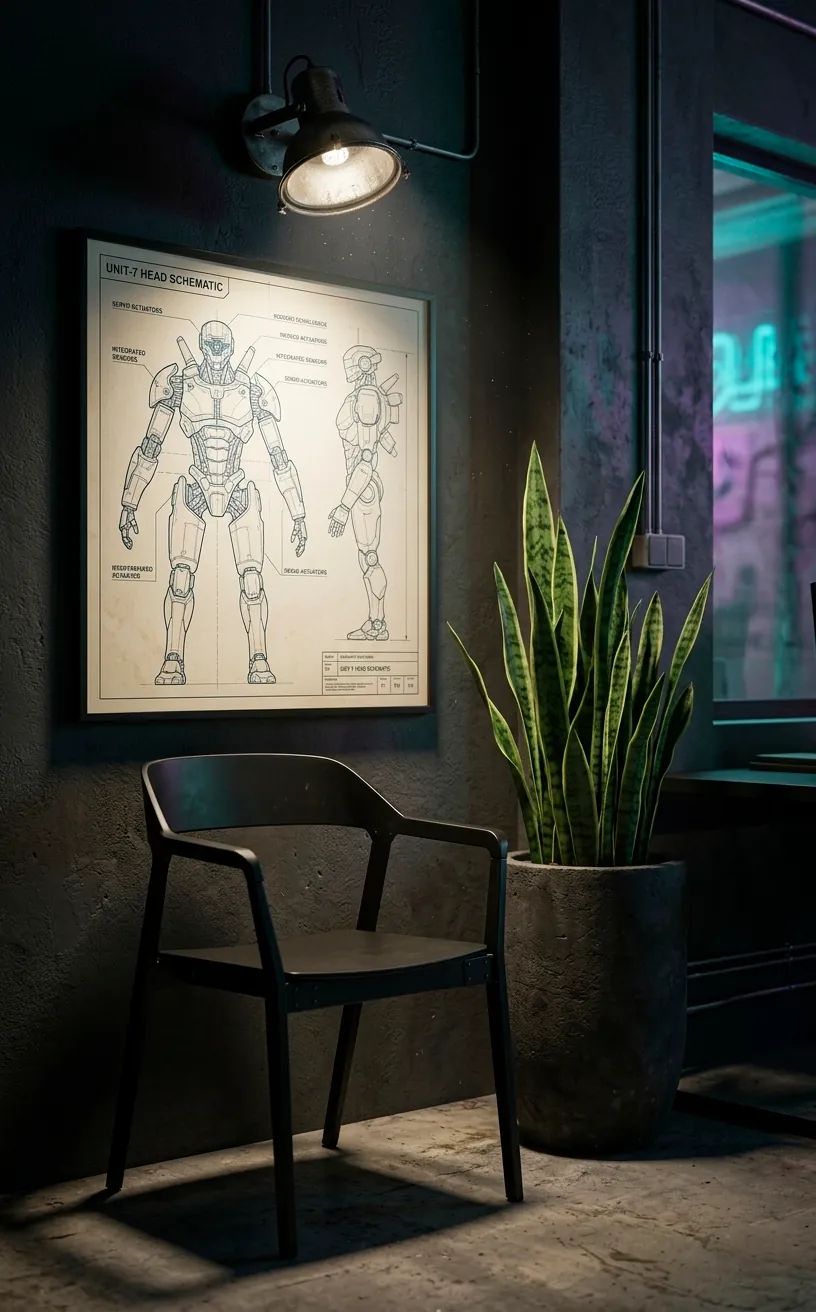
Bare walls kill the vibe. Framed blueprints of futuristic vehicles or vintage Japanese advertisements add that specific “lo-fi” grit that balances out the high-end hardware.
Even if you’re going for a cold look, a few hardy plants like a Snake Plant can survive in low light and add a “reclaimed by nature” vibe. It softens the metal edges just enough to keep the room livable. If you have a corner to spare, you could even set up a sleek industrial reading nook using a metal chair and a single overhead spotlight. This creates a secondary zone that feels separate from the digital grind.
A useful little gift for your home
🎁 Free Plant Finder Tool
Filter 250+ houseplants by style, size, and care level to find your perfect green companion in seconds.
We’ll email you the link. Plus, you’ll join our newsletter for fresh home inspiration.
Final Systems Check
Building a cyberpunk office requires more than just throwing lights at a wall; it’s about curating a specific, moody vibe. By mixing dark, industrial metals with strategic neon highlights, you create a space that fuels your focus. So, are you ready to dim the overheads and flip the switch on your new command center? Let me know in the comments which color combo you’re rocking first! 🚀